
StrideAI Models
Every feature works with the Azure OpenAI, OpenAI, Claude or OpenAI-compatible endpoint your organization already has. StrideAI Models is for teams that have none: a hosted gateway that serves models to the extension, included in the Ultimate and Enterprise plans. It is optional and changes nothing else; there is still no server to deploy, and your Azure DevOps data goes only to the model you chose.
Connect
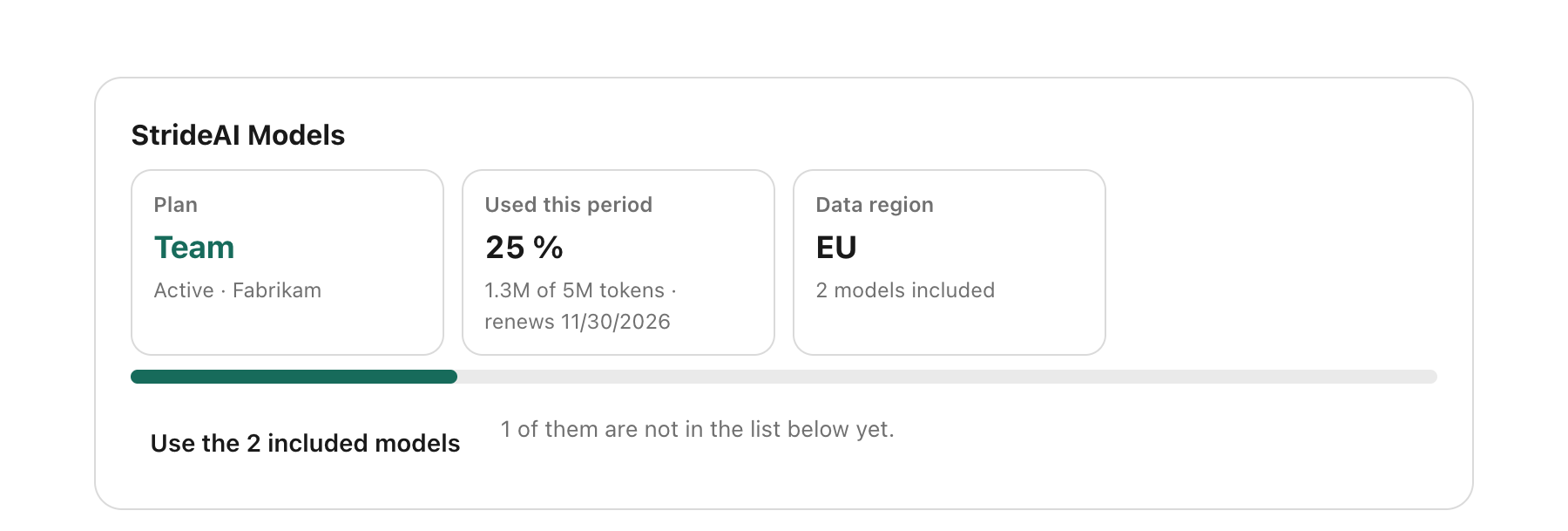
Section titled “Connect”Settings → Models → Add connection → StrideAI Models. Nothing to paste: inside Azure DevOps the extension authenticates every hosted request with the app token Azure DevOps signs for the extension, and the platform maps your organization to its plan. The gateway’s models fill the connection automatically; nobody types a model ID. Administrators opening Subscription & credits also get the connection created and kept in sync with the plan’s models.
Projects that prefer a key can use a project-scoped sk_platform_ access key created on the platform instead; the connection panel then shows the same balances.
Fast and Advanced
Section titled “Fast and Advanced”Hosted models are marked Fast or Advanced like any other, so Auto routing applies unchanged: quick lookups go to a Fast model and reviews, planning and bulk changes to an Advanced one. Locked hosted models stay visible in the picker and explain denied or unverified access instead of running.
Usage is settled in credits from the organization’s pool (see Plans). Deterministic role-pack reports consume no model credits; only chat answers, explanations and premium analyses do. When credits run out, hosted requests are refused with a clear message, never a surprise charge; top up or wait for the next period.
Privacy
Section titled “Privacy”- The gateway does not store prompts or completions by default and reports its data region in Settings.
- Secret redaction, guardrails, approvals and usage counting apply exactly as with your own models.
- Requests carry an idempotency key, so an automatic retry never charges twice.
Everything else about where data lives is in How your data flows.